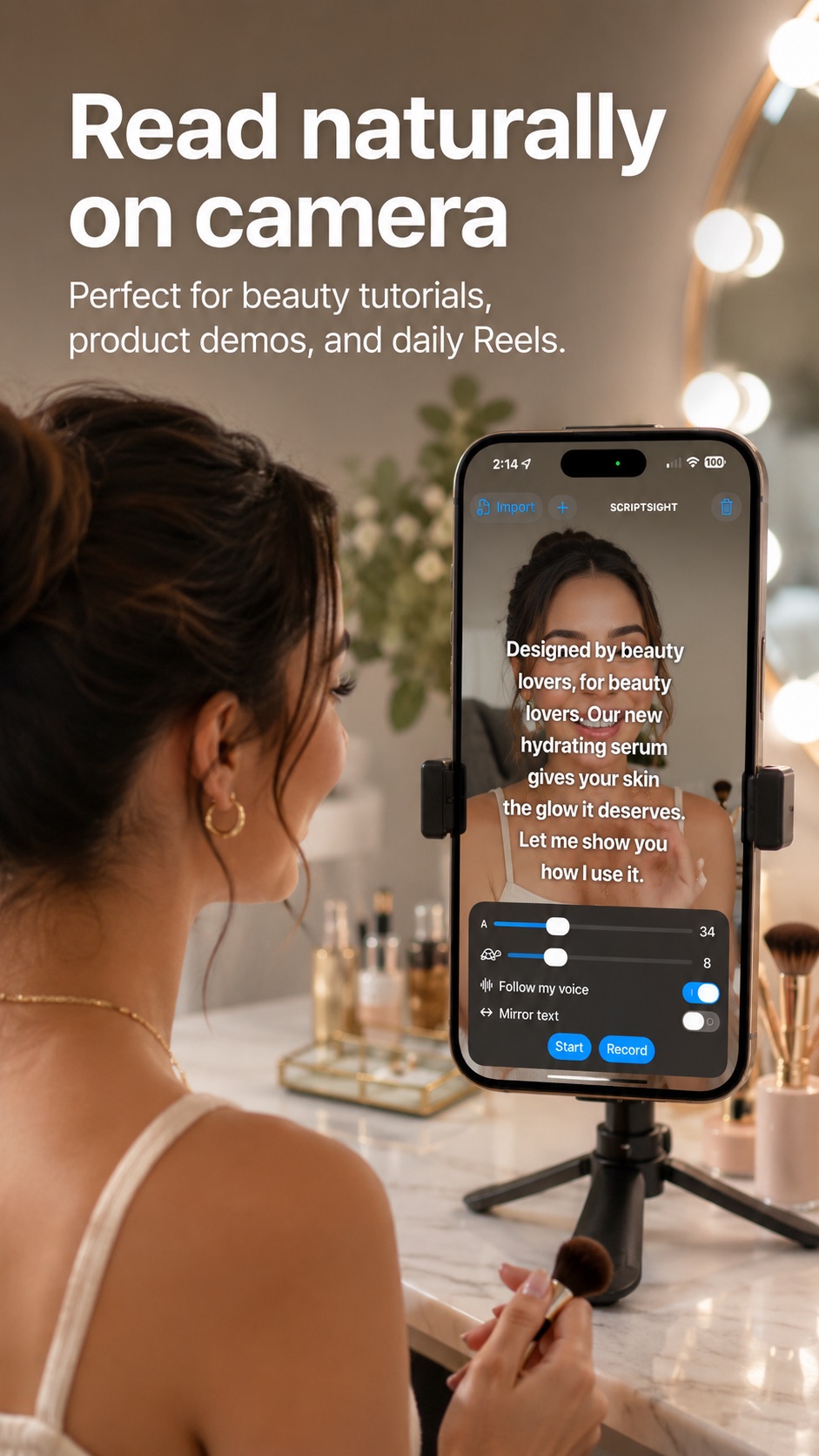
Beauty & product demos
Read naturally through tutorials, product details and calls to action.
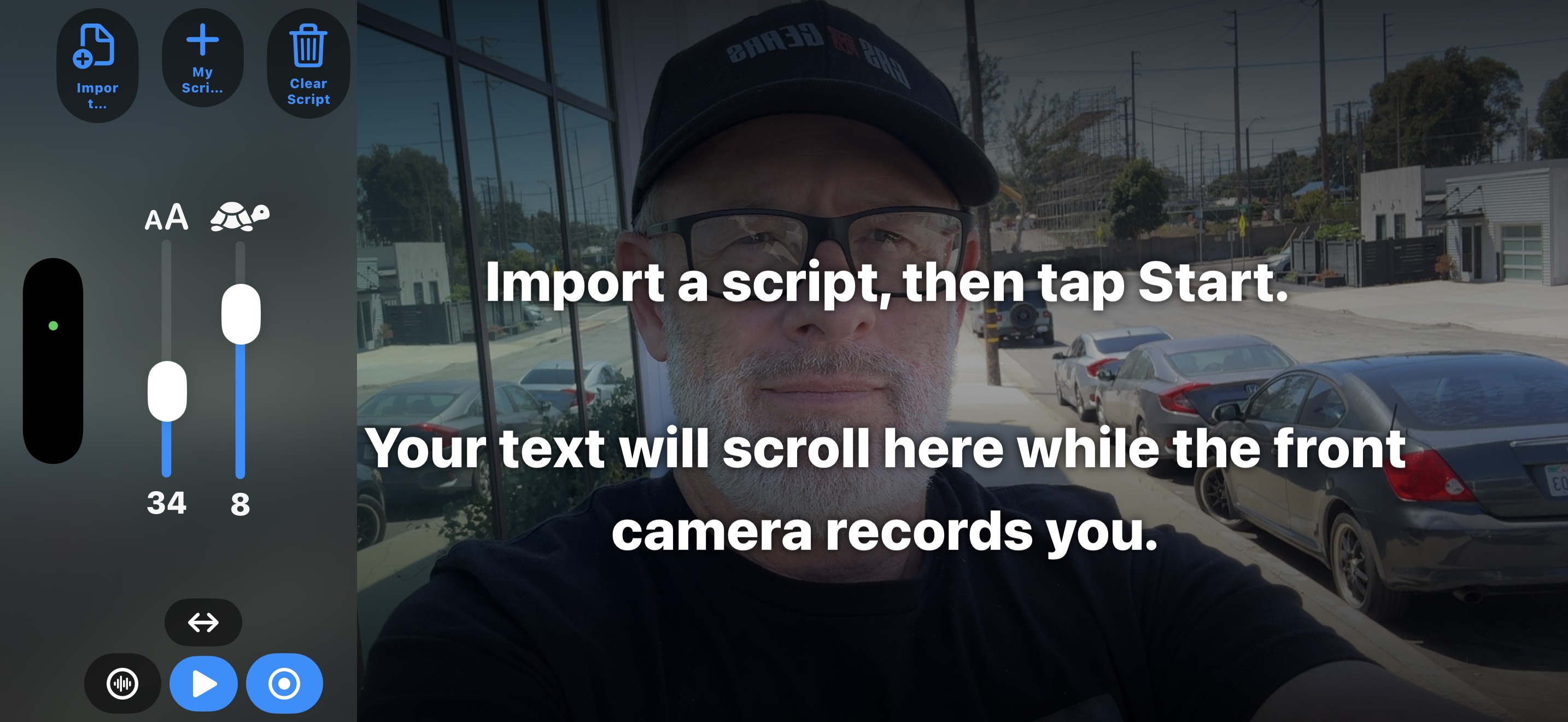
Read your script while recording video on your iPhone. Script Sight follows your speaking pace, keeping your words ready as you pause, slow down, or speed up.
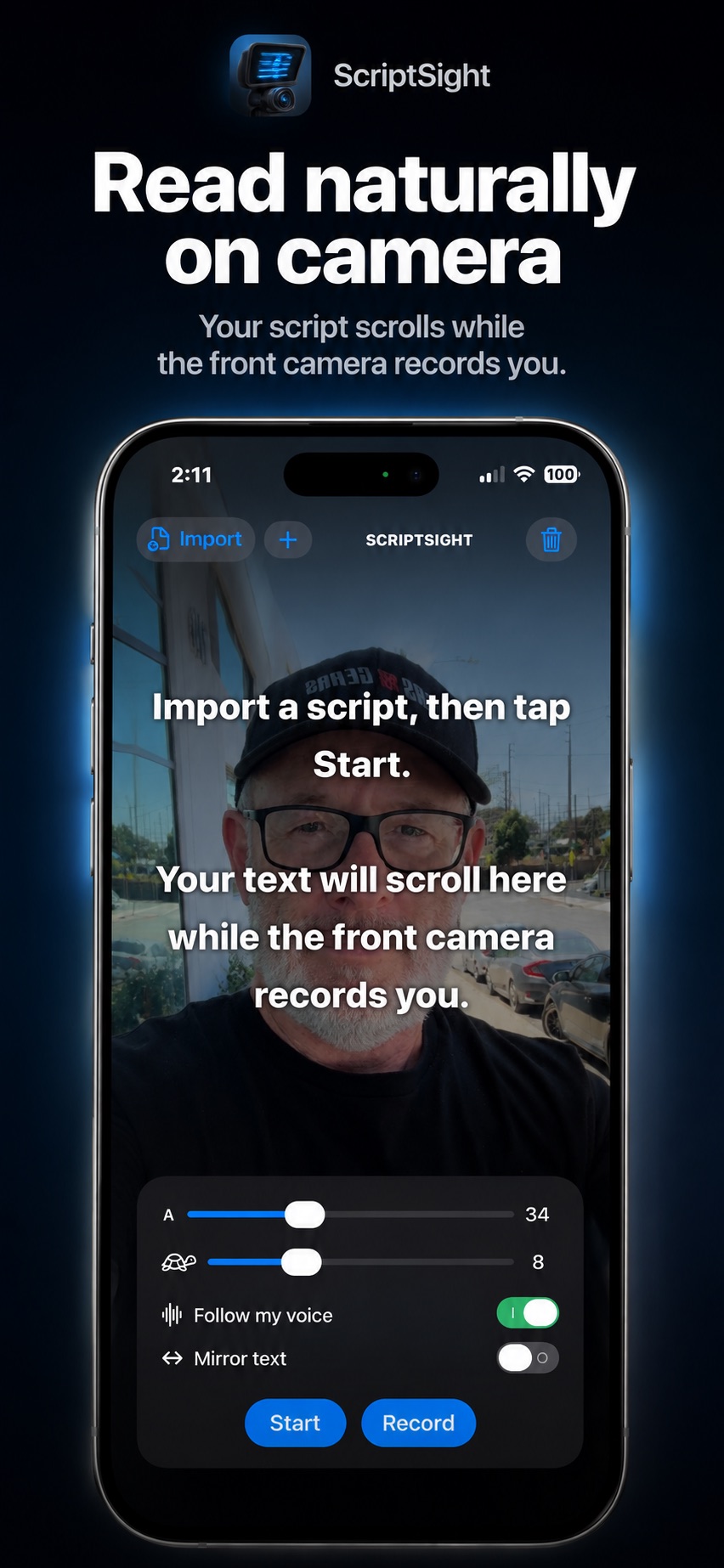
Forget guessing at scroll speeds. Script Sight listens for the words you are actually reading and keeps the next line ready at your natural pace. Take a breath. Add emphasis. Change your rhythm. Your script stays with you.
Read naturally through tutorials, product details and calls to action.
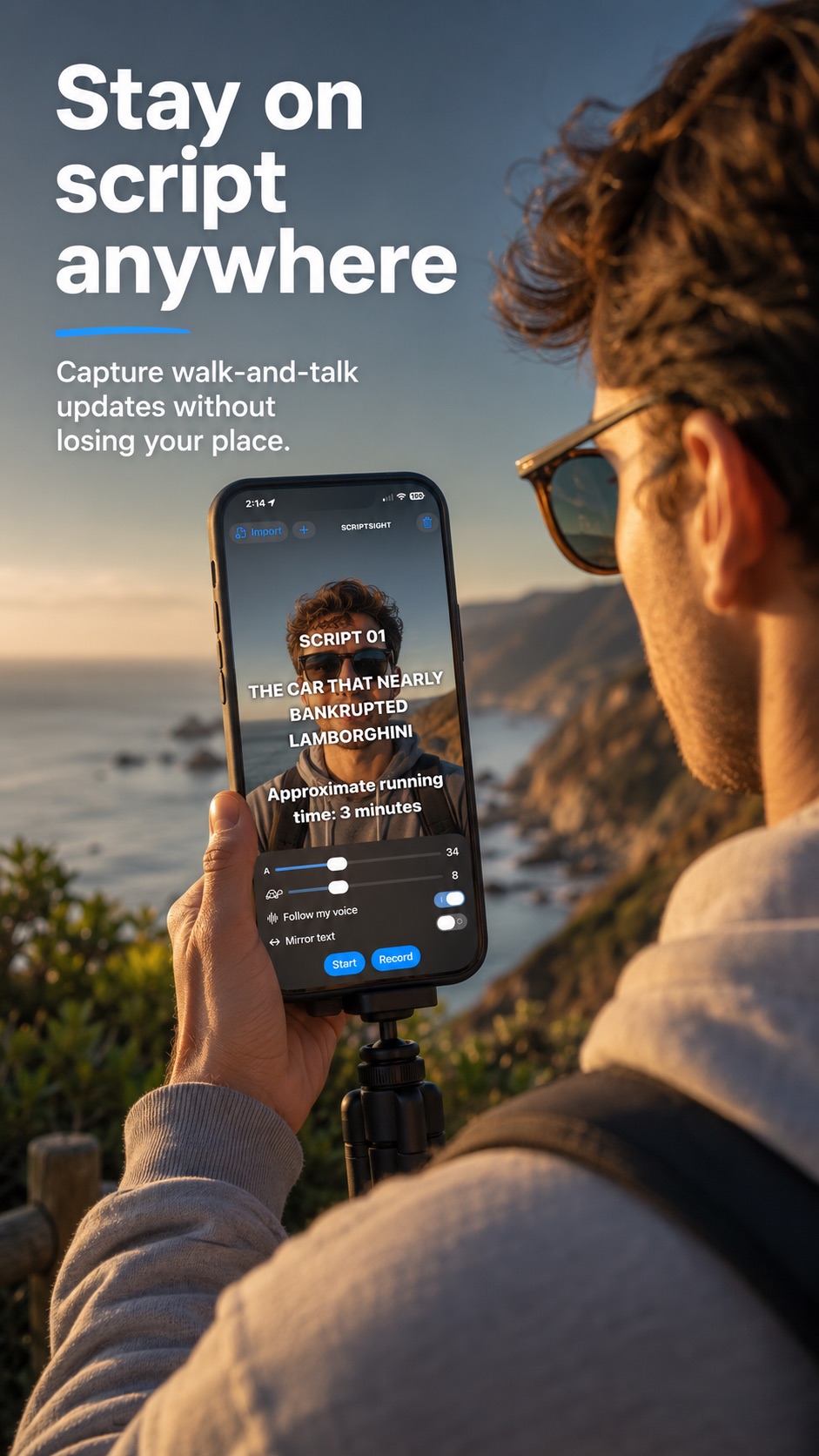
Keep your story moving without losing your place.
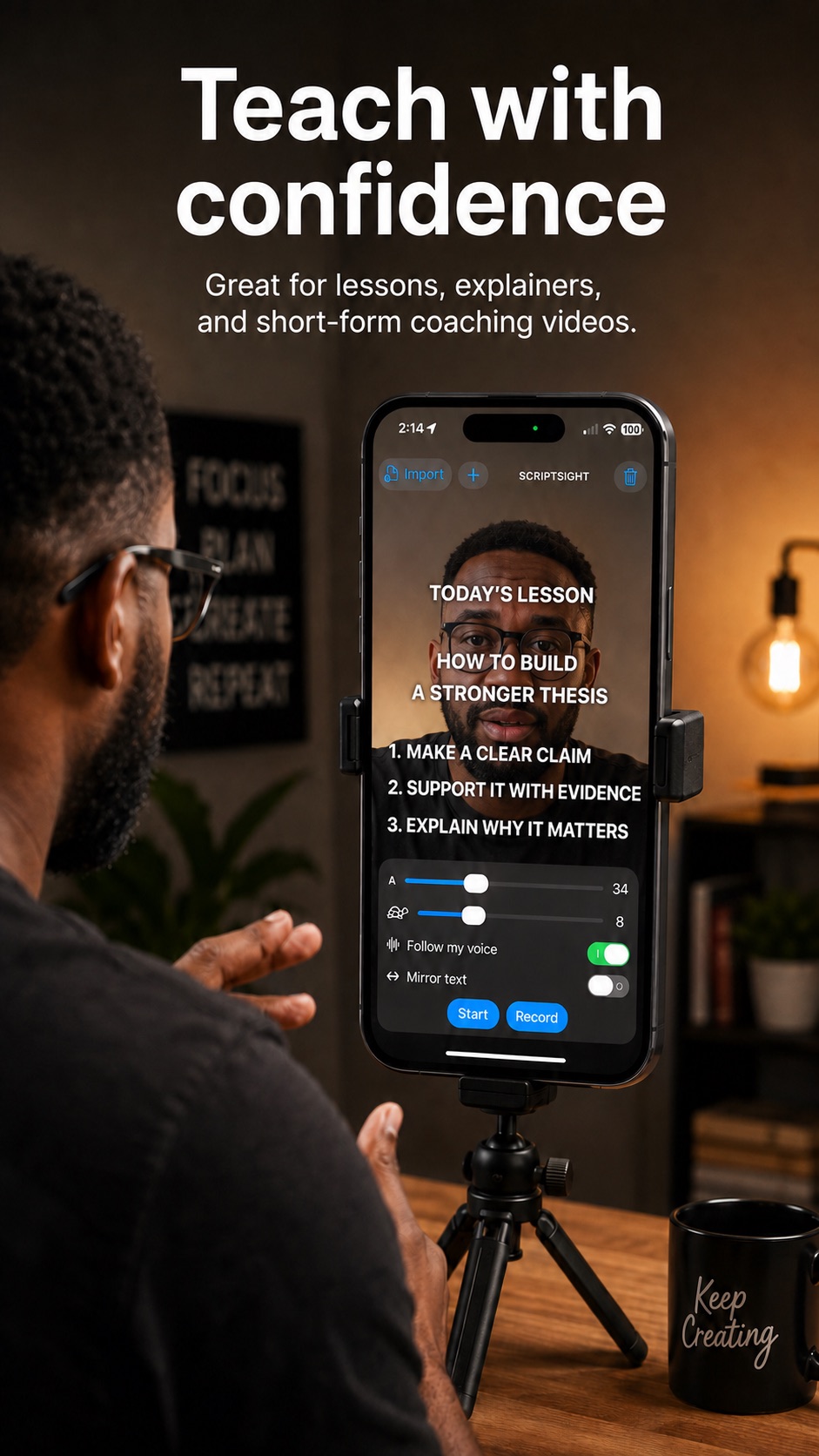
Deliver lessons and explainers clearly, without memorizing every line.
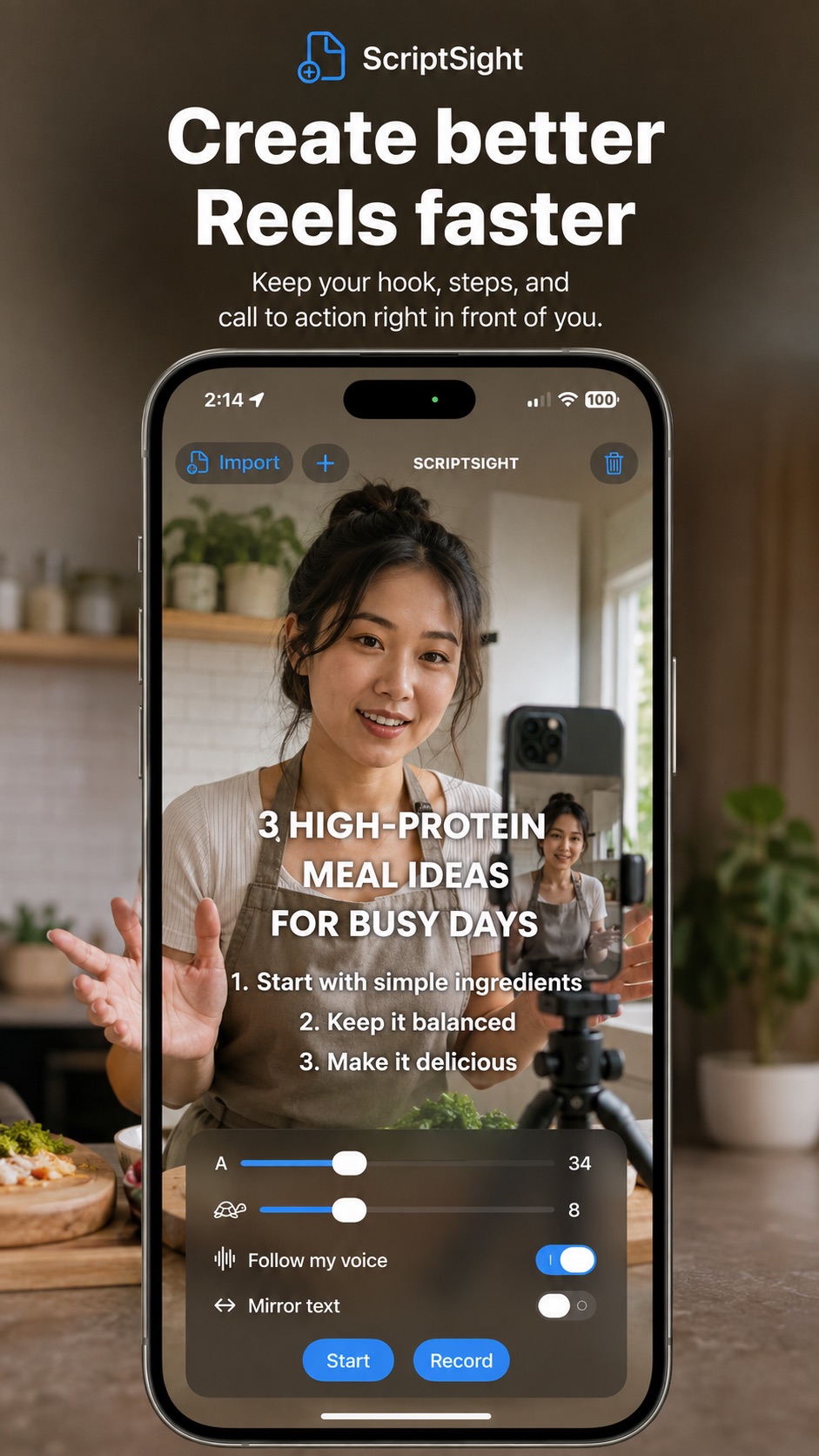
Keep hooks, steps and calls to action ready for faster recording.
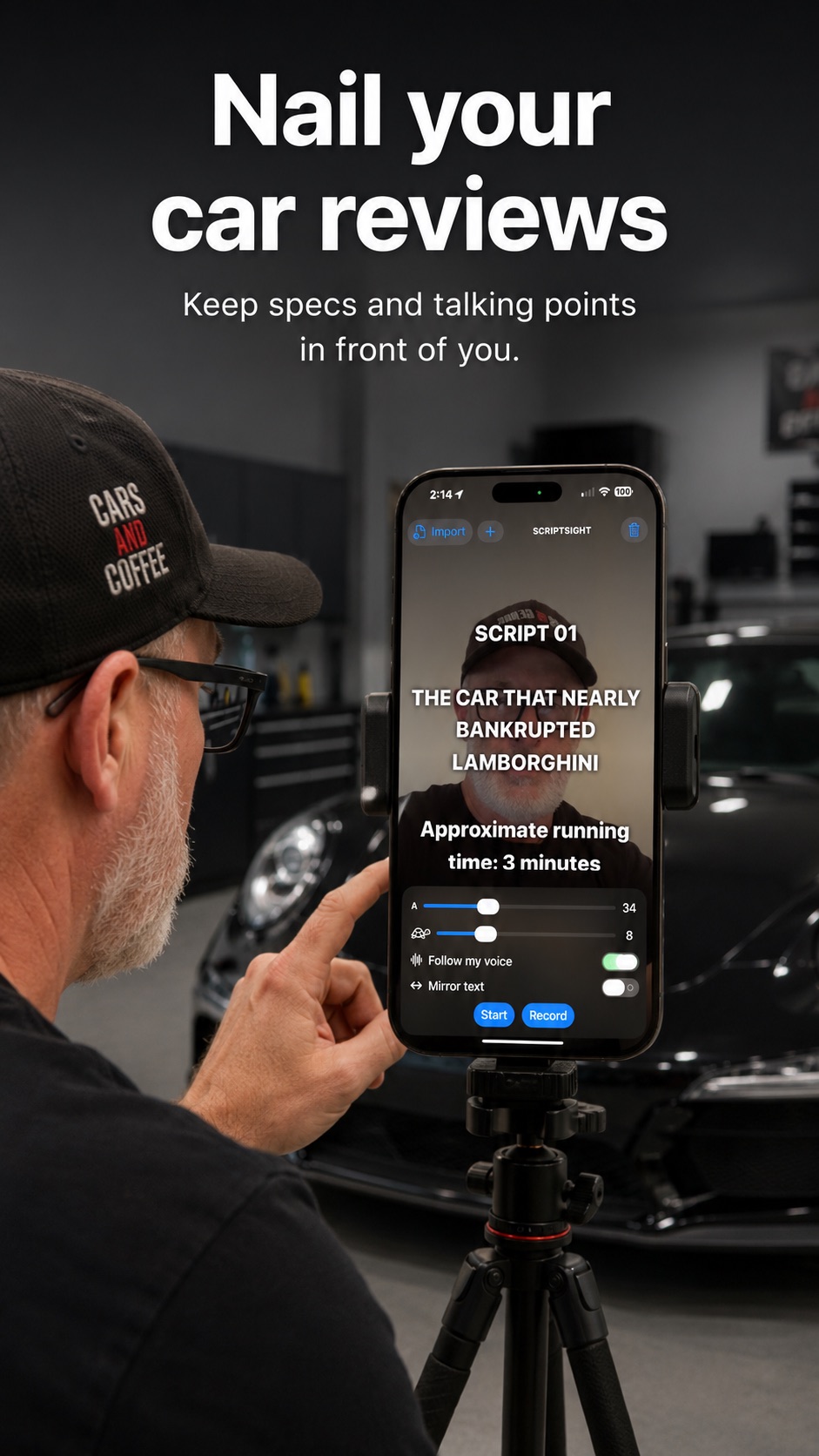
Keep facts, specs and talking points directly in front of you.
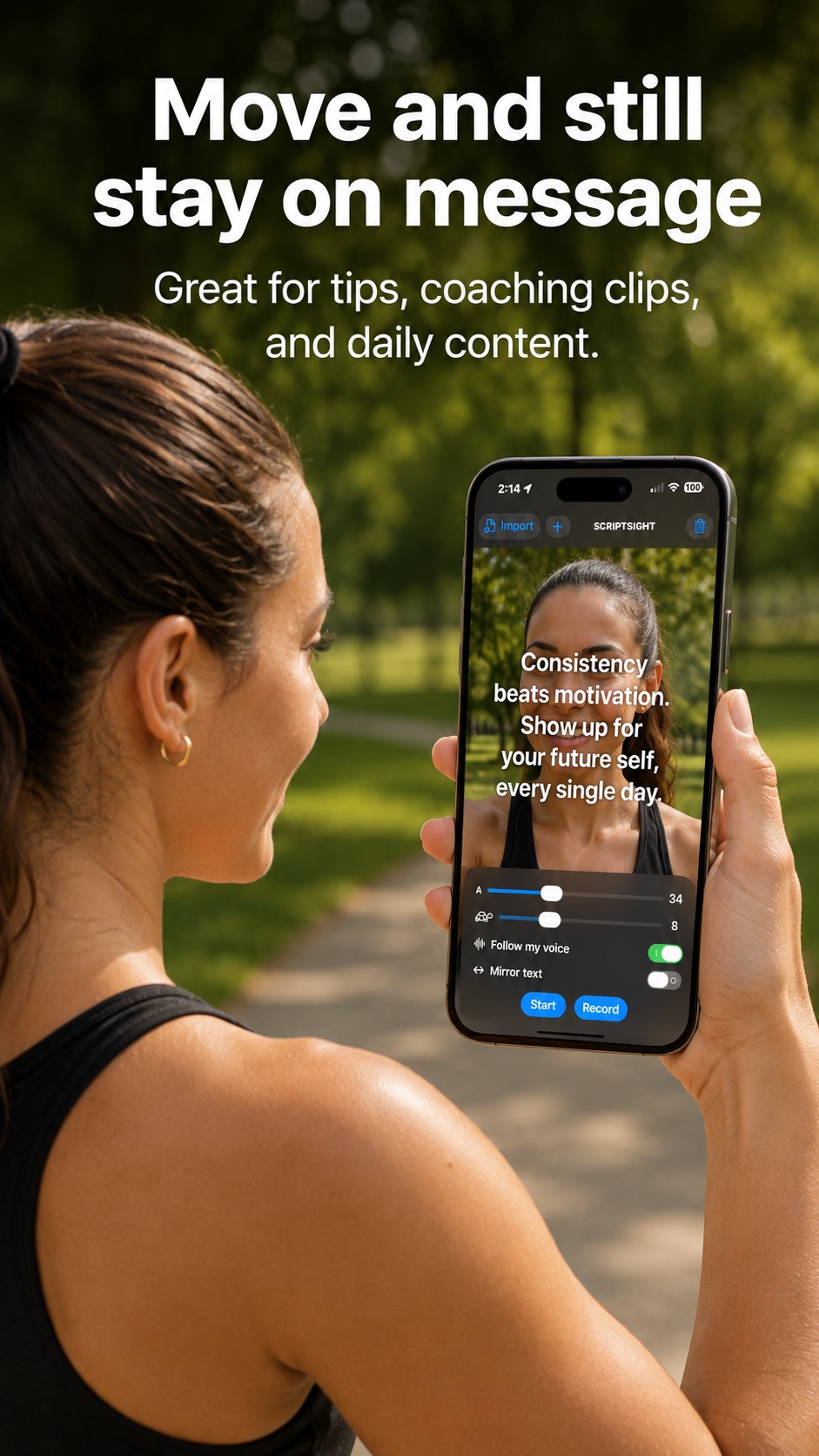
Stay on message while you move, teach and encourage your audience.
Script Sight also works with reflective teleprompter rigs. Your DSLR or mirrorless camera records the finished video while your iPhone displays the script beneath the glass. You read the reflected words while looking directly into the camera lens—giving your audience natural, confident eye contact.
Attach your DSLR or mirrorless camera behind the teleprompter glass, following the instructions supplied with your rig.
Open your script in Script Sight and secure the iPhone in the rig’s phone tray with the screen facing upward.
Tap Mirror Text so the words appear correctly when reflected in the teleprompter glass.
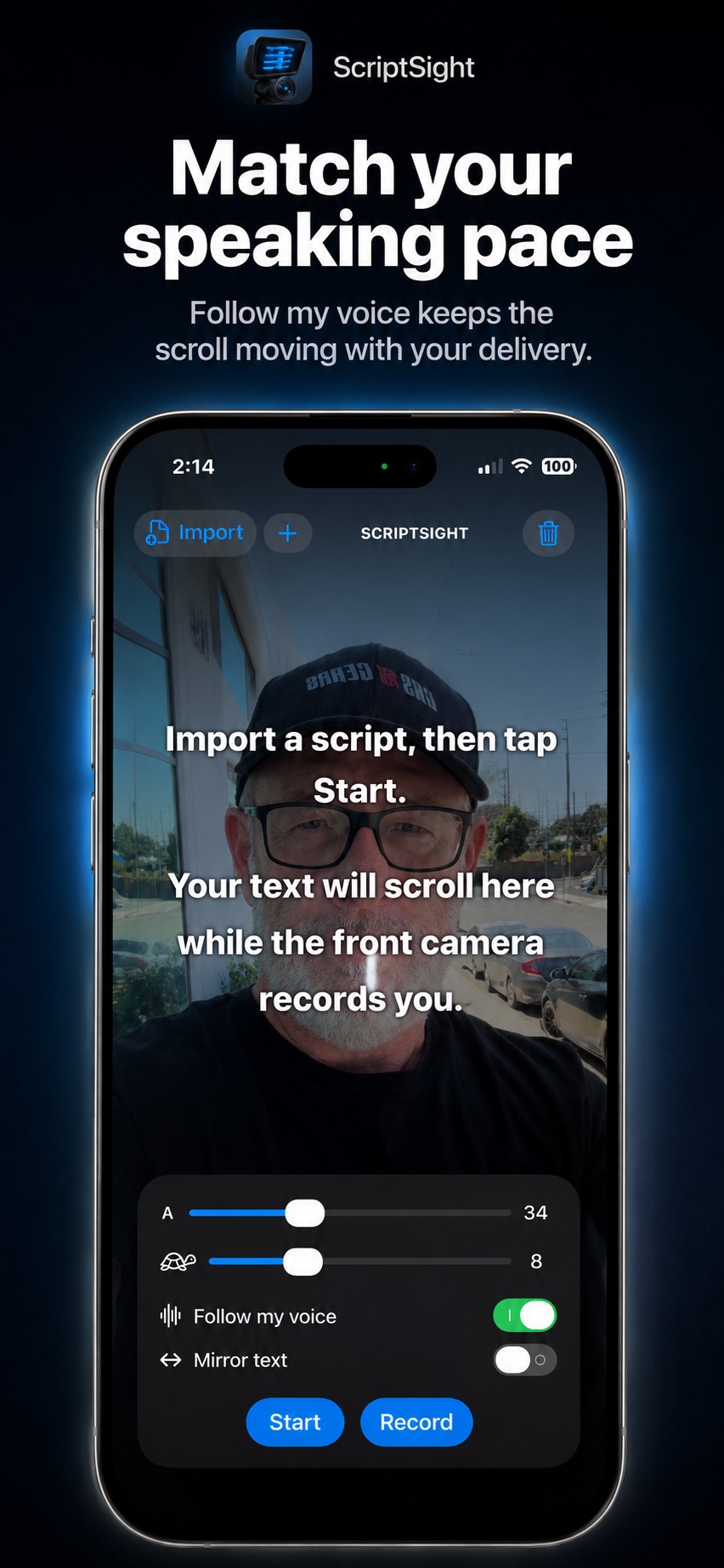
Choose a scroll speed or turn on Follow My Voice. Script Sight follows your delivery while the professional camera records.
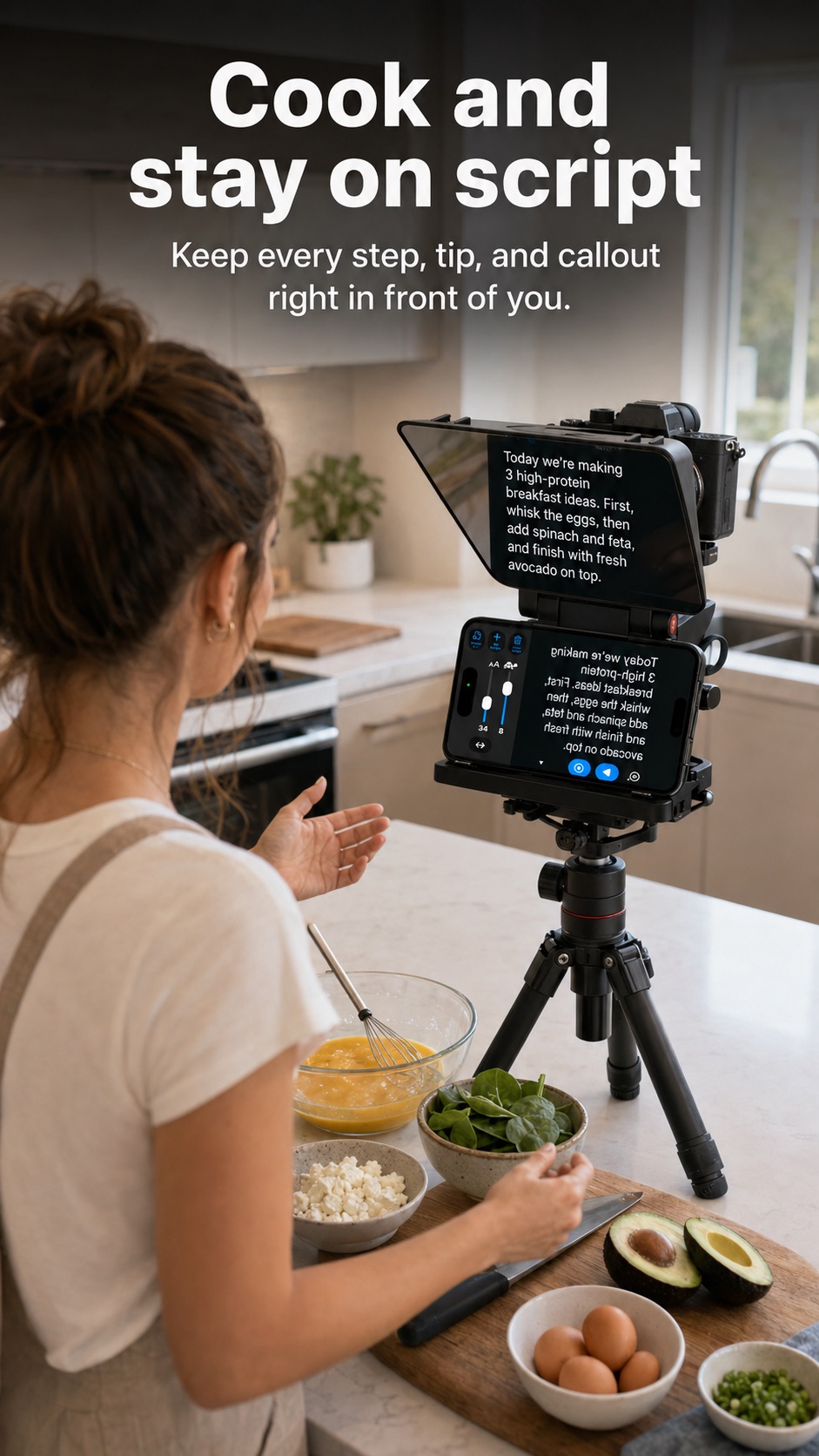
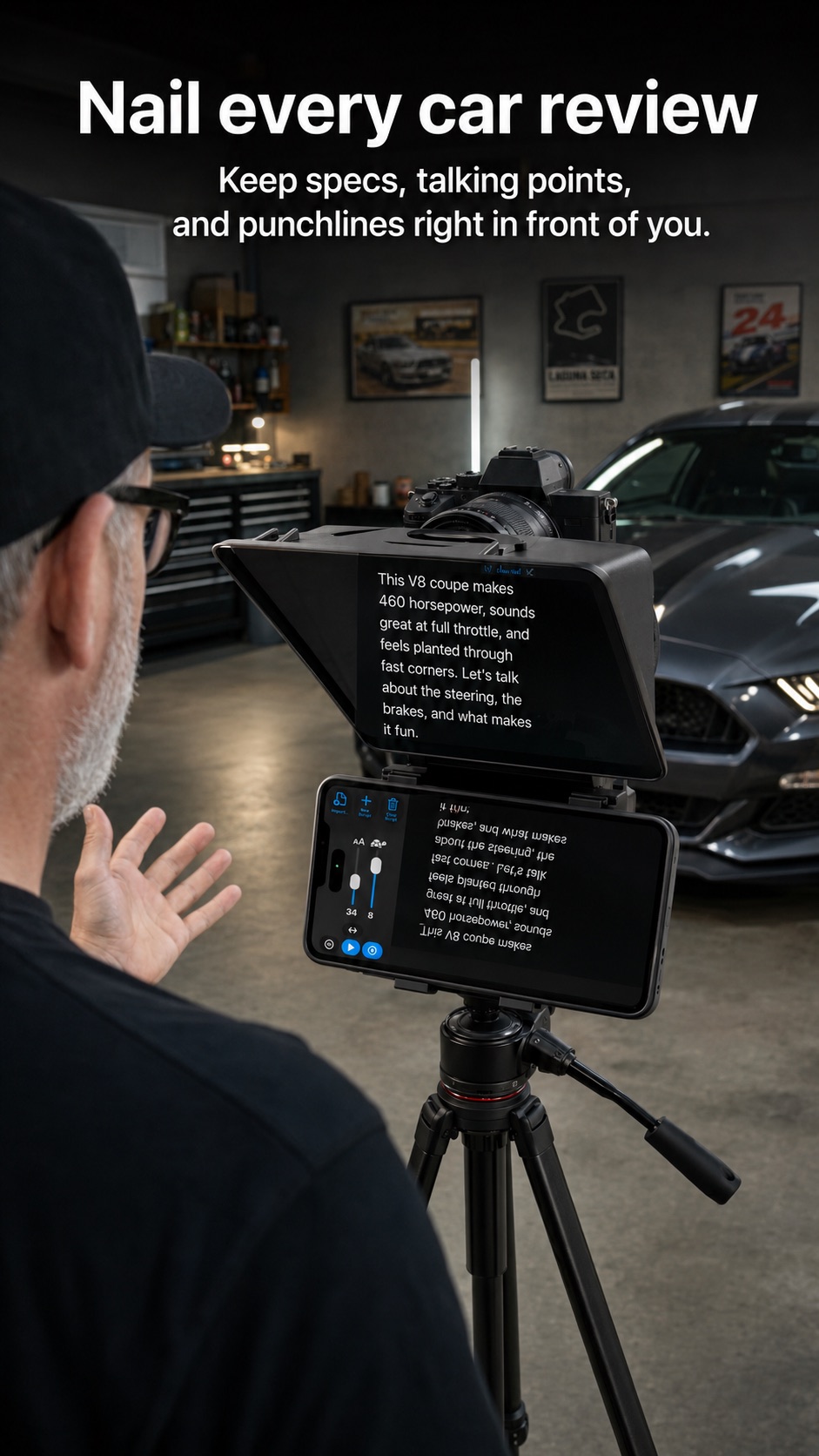
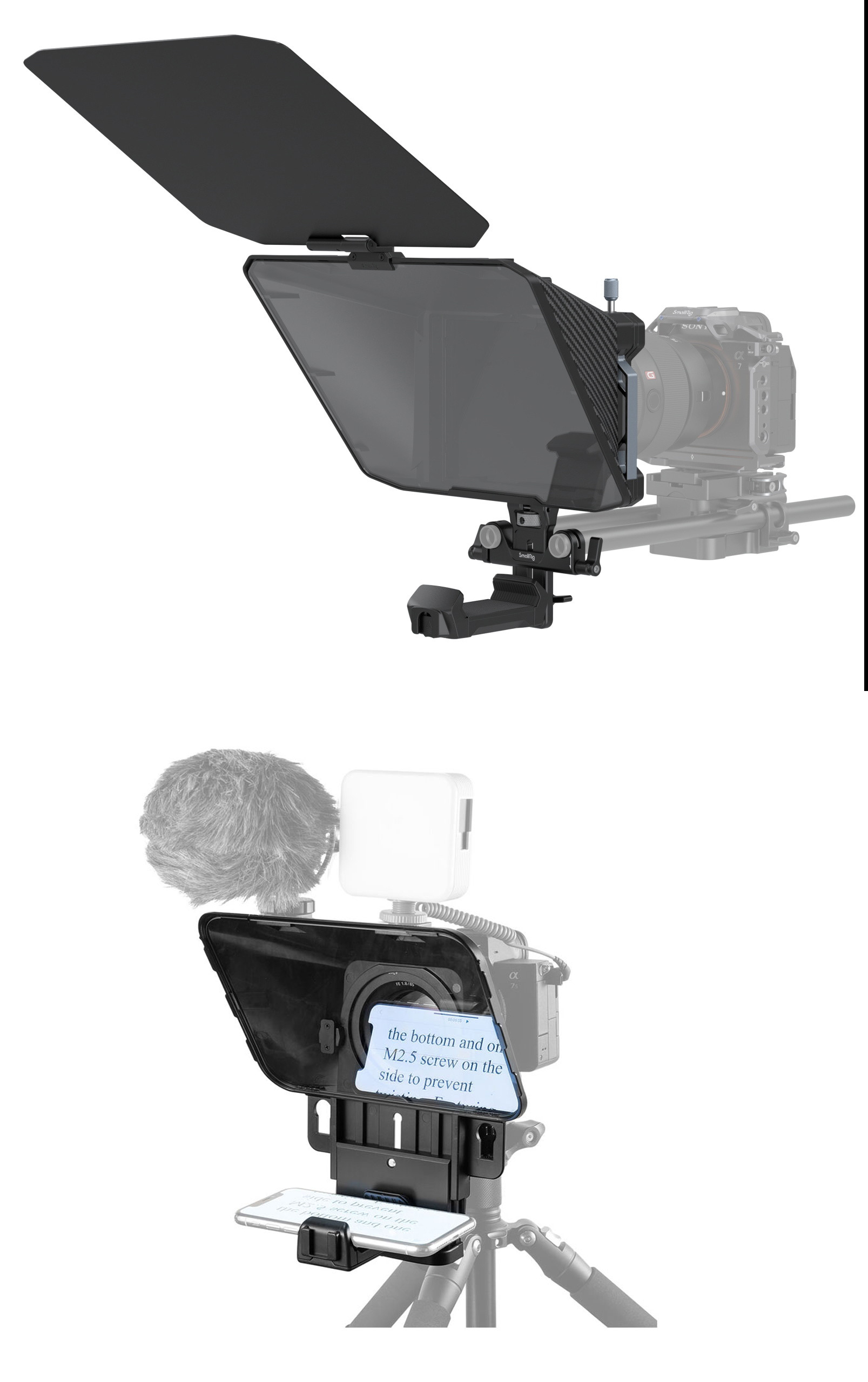
A teleprompter’s angled glass reflects the phone screen back toward you. Mirroring reverses the script on your iPhone first, so the reflection reads normally in the glass.
Turn on Follow My Voice and Script Sight moves with your delivery. Speed up, slow down, or pause for emphasis—the script stays with you instead of forcing you to chase it.
Read close to the iPhone lens so your eyes stay connected with your audience instead of drifting away from the camera.
Keep every line in front of you while you record YouTube videos, Instagram content, tutorials, updates and more.
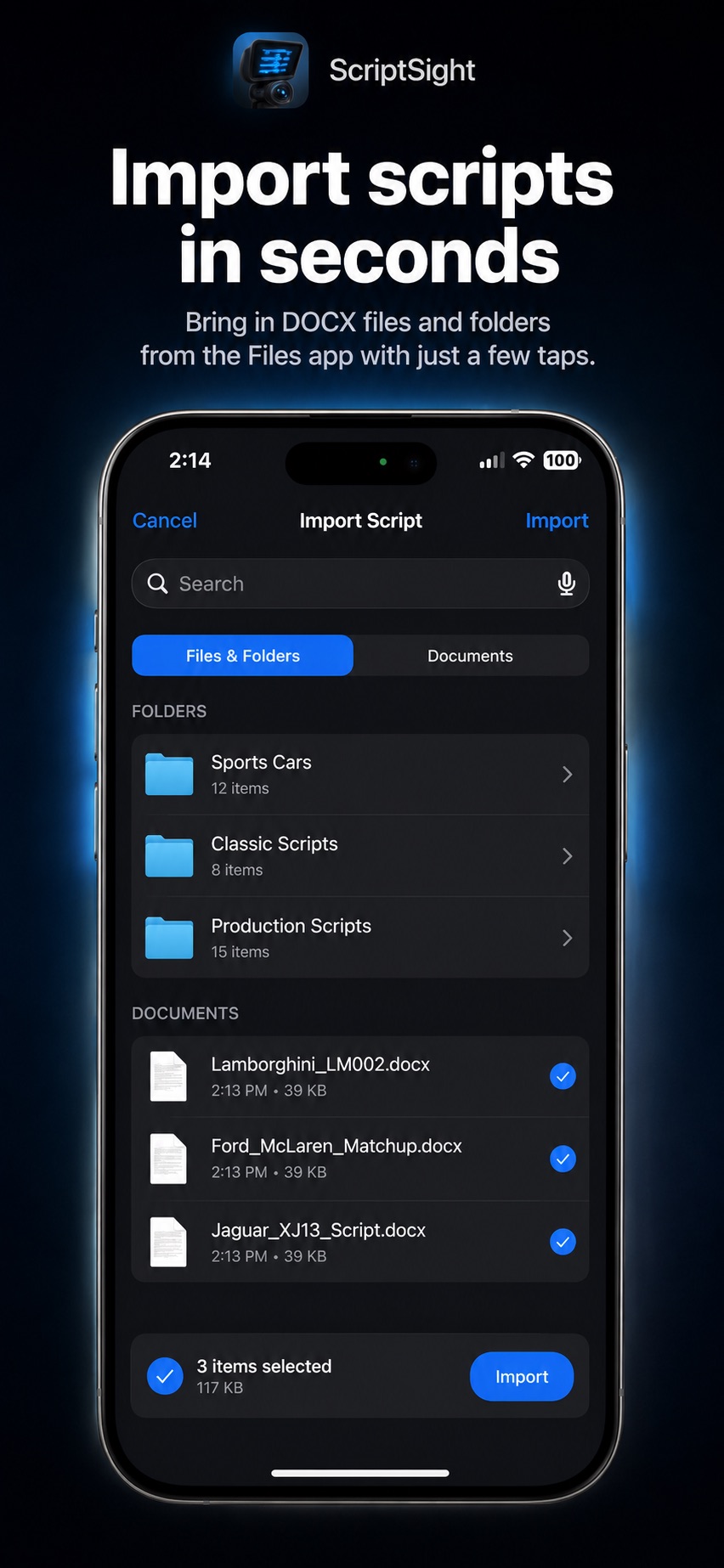
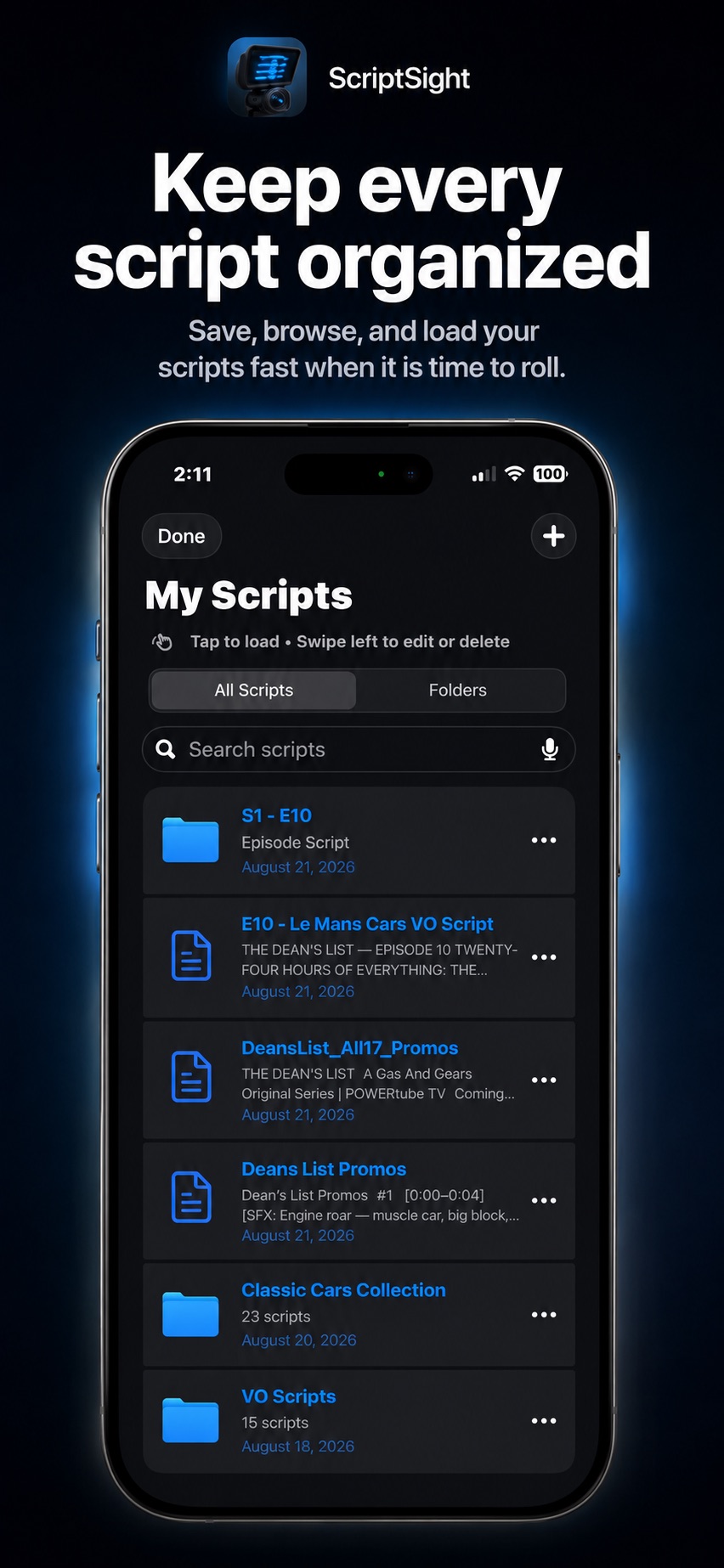
Import PDF, DOCX, RTF or text files, or write and organize scripts inside the app.
Available now

$24.99 USD. One purchase. No subscription.

Set up your script, camera and reading pace for a video that sounds like you.
Read the guide →Learn when to use Follow My Voice, how to prepare your script and what to check if scrolling loses your place.
Read the guide →Write a stronger opening, split long scripts into sections and record for the format you plan to publish.
Read the guide →Set up mirrored text, camera framing and readable type for a compatible reflective teleprompter.
Read the guide →Prepare PDF, DOCX, RTF and TXT scripts for a clean read in Script Sight.
Read the guide →Understand Script Sight’s one-time purchase and decide whether its recording and prompting features fit your workflow.
Read the guide →Yes. Script Sight displays your script while the front camera records video with microphone audio. Record in portrait or landscape and save the finished take to Photos.
Follow My Voice matches scrolling to your reading pace. You can also choose an adjustable scroll speed. See voice-follow setup tips.
No. Script Sight is a one-time purchase, currently $24.99 USD in the US App Store. Check your local App Store for regional pricing.
Import PDF, DOCX, RTF and TXT files, or write your script inside the app. Save reusable scripts in your library.
Yes, with a compatible reflective teleprompter rig sold separately. The iPhone displays mirrored text while your camera records through the glass. Read the camera-rig guide.
Script Sight requires iOS 17.0 or later. Check the App Store listing for current device compatibility.
Write it. Read it. Record it.